
Audio Tone Generator: Create Precise Sound Frequencies Online Free
By ZonoTools9 min read

Introduction
Sound matters in technology, music, and everyday life. Whether you are testing audio gear, tuning an instrument, or experimenting with frequency, an audio tone generator is a practical tool.
With modern web-based tools, you no longer need heavy installed software or dedicated hardware just to play a stable reference tone. A good tone generator lets you dial in precise frequencies right in the browser — quickly, easily, and usually for free.
When you want to move beyond a single tone (noise, environmental layers, presets), combine it with the Sound Generator to build multi-layer scenes.
What is an audio tone generator?
An audio tone generator produces sound waves at specific frequencies. Tones can range from low bass to high treble, depending on your goal.
Unlike general-purpose audio apps, a tone generator focuses on clean, consistent signals — typically sine, square, triangle, and sawtooth — which makes it ideal for technical and creative work.
Platforms like ZonoTools offer a direct in-browser workflow: set frequency and waveform, press play, no install required.
Why use a tone generator?
- Generate accurate frequencies almost instantly
- Test speakers, headphones, and playback chains
- Tune instruments or compare pitch
- Create reference signals for experiments
- Learn how frequency and waveform shape what you hear
Compared with traditional setups, online tools are easier to access across devices.
Key features of a high-quality tone generator
Frequency control
Precise Hz entry or fine adjustment matters — especially when you need fixed test points to sweep speakers or listen for distortion.
Waveform selection
Each waveform has a different spectrum and character; a solid tool lets you switch quickly among sine, square, triangle, and sawtooth.
Real-time playback
Hearing changes as you adjust keeps testing and learning smooth.
Ease of use
A true tone generator should work without an audio engineering background — frequency, level, waveform, and Play/Stop cover most tasks.
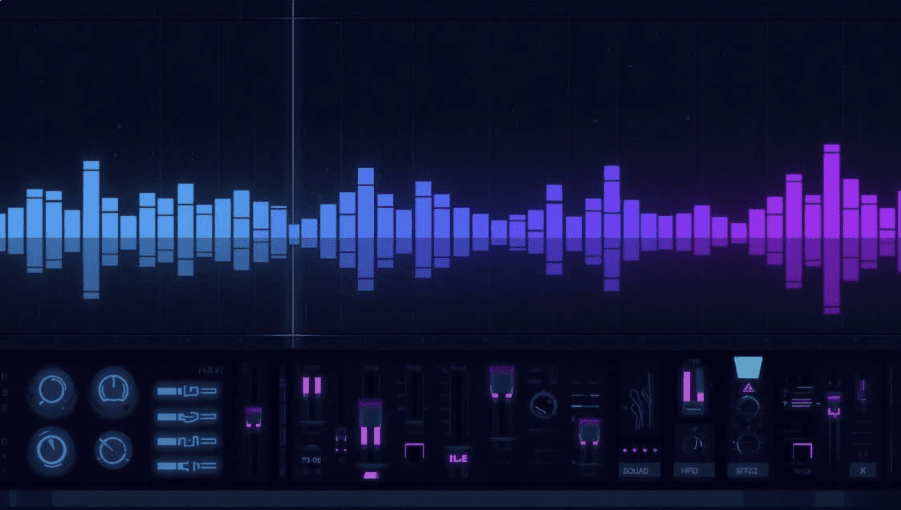
Types of tones you can generate
Sine wave
A pure tone with minimal harmonics; ideal for calibration, response checks, and hearing a single frequency clearly.
Square wave
Sharp edges and a rich harmonic series; common in digital signal contexts and synthesis.
Triangle wave
Softer than a square wave, yet still distinct from a sine.
Sawtooth wave
Harmonically rich, widely used in electronic music and sound design.
When you need multiple layers (rain, noise, ambient beds), switch to the Sound Generator instead of a single tone.
Common use cases
Audio equipment testing
Play tones at a few Hz landmarks (bass, mid, treble) to spot buzz, rolloff, phase issues, or driver problems in a structured way.
Music production
Use tones for pitch reference, subtle layering, or checking processing on a master bus.
Education
Students can hear how waveforms differ and how that ties to pitch and timbre.
Sound design
Tones are building blocks for effects, measuring processing chains, or exciting filters and processors.
How to use an audio tone generator online
1. Choose your target frequency (Hz)
2. Pick a waveform
3. Press Play
4. Adjust volume and frequency until your test goal is met
On platforms like ZonoTools, these steps usually take seconds and run client-side — no file download or sign-up required.
Benefits of creating your own tones
- Control over frequency and waveform shape
- Repeatable test conditions when comparing gear
- Flexibility for creative experiments
Pair with the Sound Generator when you want a wider listening context than one tone alone.
Audio tone generator vs Sound Generator
- Tone generator: emphasizes one (or a few) clear frequencies for measurement and reference.
- Sound Generator: blends many sources (noise, nature, behavior-driven presets) for focus, sleep, meditation, and work.
Use both for a complete pipeline: tones to probe the system, Sound Generator to stage long-form listening.
Advanced features to look for
- Waveform visualization in real time
- Frequency sweeps (when available) to scan a range and hear resonances or faults
- Amplitude / level controls separate from the system volume mixer
- Multi-tone modes for beat frequencies or interval tests
Best practices for safe, effective use
- Start at a low volume and increase gradually
- Raise frequency slowly on headphones to avoid surprises in the treble range
- Use quality headphones when you need fine detail
- Avoid long sessions at loud levels with high-frequency tones
When should you use a tone generator?
- Checking speakers / DAC / playback chain
- Tuning or comparing pitch
- Learning about frequency and waves
- Building custom signals for experiments
When the goal is noise masking or relaxation, the White Noise Generator is often a better fit than a pure tone.
FAQ
What is an audio tone generator?
A tool that creates sound waves at the frequency and waveform you choose — for testing, learning, and creation.
Is it free to use?
Many web tools (including on ZonoTools) offer free in-browser access.
Is a tone generator the same as Sound Generator?
Not exactly: a tone generator stresses clean signals and frequency precision; Sound Generator stresses multi-layer mixes and use-case presets.
Conclusion
An audio tone generator is a small but powerful tool for anyone working with sound — from speaker checks to learning and production. On the web, you can reach the precision you need without a complex studio rack.
Start with the Sound Generator when you want ambient and noise tooling in the same ZonoTools ecosystem, and open the White Noise Generator when masking and long, comfortable listening matter most.